As we continue through National Cybersecurity Awareness Month, Vijilan Security is focused on helping you stay protected against one of the most prevalent and dangerous types of cyberattacks—phishing. Phishing scams have grown more sophisticated over the years, with attackers constantly devising new ways to trick users into giving up sensitive information or clicking malicious links.
In this blog, we’ll walk you through how to spot phishing attempts, common tactics used by attackers, and essential steps you can take to avoid falling victim to these scams. Phishing awareness is crucial for both individuals and businesses, so read on to arm yourself with the knowledge you need.
What is Phishing?
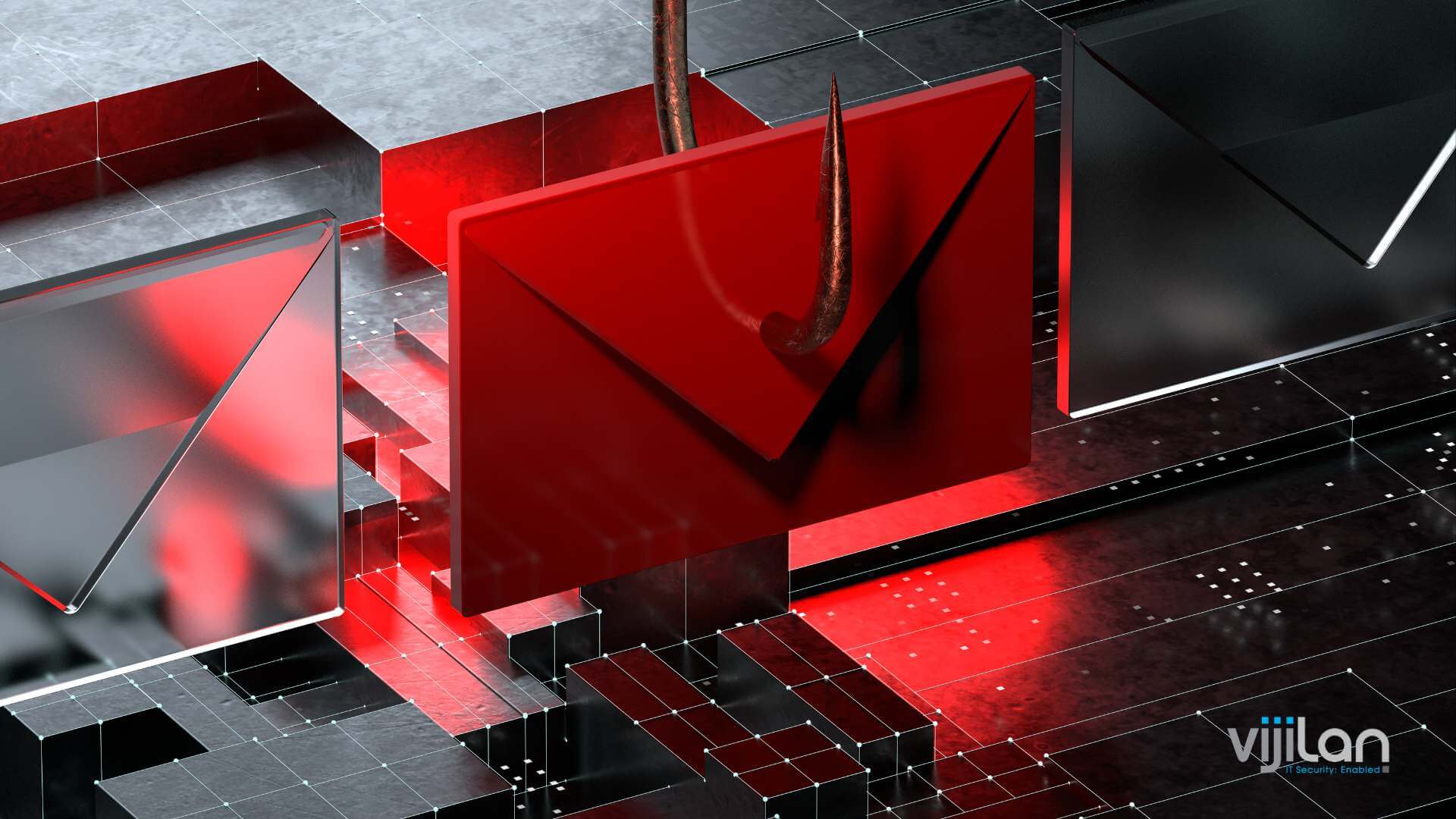
Phishing is a form of cyberattack in which scammers pose as legitimate entities, such as banks, companies, or government agencies, to deceive people into sharing personal information like passwords, credit card numbers, or account details. These attacks are typically carried out via email, but phishing attempts can also be delivered through text messages (smishing), phone calls (vishing), or social media.
Common Phishing Tactics to Watch Out For
Phishing emails and messages are designed to look as convincing as possible, but they often carry tell-tale signs. Below are the most common tactics attackers use in phishing attempts:
1. Suspicious Links or Attachments
- Look Before You Click: Phishing emails often contain links that direct you to fake websites that mimic legitimate ones. Always hover over links to check the URL before clicking. If the web address looks suspicious or doesn’t match the organization’s official website, don’t click on it.
- Attachments: Be cautious with email attachments, especially from unknown senders. Opening these could install malware on your device.
2. Urgent or Threatening Language
Phishing messages frequently use scare tactics, such as claiming your account has been compromised or that immediate action is required. Attackers do this to create a sense of urgency, prompting you to act without thinking.
- Examples: “Your account has been suspended,” “Immediate action required to avoid service termination,” or “We detected unusual activity on your account.”
- Tip: Always take a step back when receiving these types of messages. Contact the company directly through official channels instead of responding to the email or clicking any links.
3. Spoofed Email Addresses and Sender Information
Phishing emails often come from email addresses that look almost identical to legitimate ones, but there’s usually a slight variation. It could be an extra letter, number, or a slight misspelling.
- Tip: Always check the sender’s email address carefully. If something seems off, don’t engage with the email.
4. Fake Logos and Branding
To appear authentic, phishing emails often copy the logos and branding of well-known companies. However, low-resolution images, odd formatting, and inconsistent fonts can give away the scam.
- Tip: If the email doesn’t look polished or professional, double-check it by contacting the organization directly.
5. Requests for Sensitive Information
Legitimate companies will never ask you to provide sensitive information, such as passwords, Social Security numbers, or credit card details, through email.
- Tip: If an email requests personal information, it’s almost certainly a phishing attempt. Report it immediately.
What to Do If You Suspect a Phishing Attempt
Spotting phishing emails is the first step, but knowing how to handle them is equally important. If you suspect you’ve received a phishing message, here’s what to do:
1. Don’t Click on Any Links or Attachments
If the email looks suspicious, avoid interacting with it in any way. Don’t click on links, open attachments, or reply to the message.
2. Verify the Sender
Contact the company or individual through official channels to verify whether the message is legitimate. Use contact information found on the company’s website, not the details provided in the suspicious email.
3. Report the Phishing Attempt
Most email providers have a “Report Phishing” option. Make sure to use it. Additionally, report phishing attempts to your organization’s IT or security team so they can take appropriate action to protect your network.
4. Delete the Email
Once you’ve reported the phishing attempt, delete the email from your inbox to avoid accidentally engaging with it later.
5. Monitor Your Accounts
If you think you’ve interacted with a phishing message, change your passwords immediately and monitor your financial accounts for any suspicious activity. Consider enabling Multi-Factor Authentication (MFA) for extra security, if you haven’t already.
Tips to Prevent Phishing Attacks
While being able to spot phishing messages is critical, there are several proactive steps you can take to prevent these attacks from succeeding:
1. Use Email Filters
Most email providers offer spam filters that help flag suspicious emails before they even reach your inbox. Make sure your filters are set up and updated regularly.
2. Educate Employees
For businesses, one of the best defenses against phishing is employee training. Ensure your staff knows how to recognize phishing attempts and what to do if they receive one.
3. Enable Multi-Factor Authentication (MFA)
MFA provides an additional layer of security, making it much harder for attackers to access your accounts even if they’ve stolen your password.
4. Keep Software Updated
Regularly updating your operating systems, browsers, and security software helps protect against vulnerabilities that attackers can exploit.
5. Use a Password Manager
A password manager generates and stores strong, unique passwords for each of your accounts, making it difficult for cybercriminals to use compromised passwords from phishing attacks.
Conclusion: Stay Vigilant, Stay Secure
Phishing attacks remain one of the most common and dangerous forms of cyberattacks. By learning to spot phishing emails and knowing how to respond to them, you can significantly reduce your risk of falling victim to these scams. Implementing proactive strategies—such as using MFA, educating employees, and regularly updating your security software—adds multiple layers of defense that protect both personal and business data.
Follow Vijilan Security for weekly tips during Cybersecurity Awareness Month to stay ahead of evolving cyber threats and keep your business safe. Want more expert advice on phishing prevention? Visit our website for additional resources to help you build a more secure cyber environment.
Stay tuned for next week’s cybersecurity tip!